

VIP basics
[VIP]Golden [VIP] tag in chat. VIP permission lets you jump the connection queue when the server is full.
What the VIP package includes on Slimi Rust. Activate VIP with Slims — earned in-game or as a supporter reward when you support the project.

Slims come from in-game play or as a supporter reward when you support the project. Here you activate VIP privileges — same prices as /slims.
Golden [VIP] tag in chat. VIP permission lets you jump the connection queue when the server is full.
VIP earns +40% more Slims for playtime — 84 Slims per hour instead of 60.
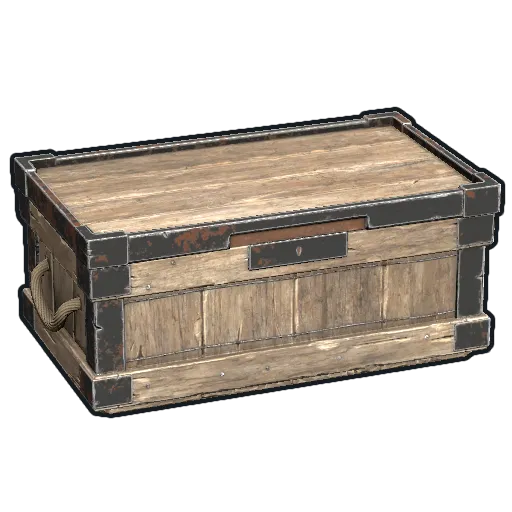
Activate with /qs. Then open a box in your TC auth zone to get the BOX SORTING UI: pick a category, sort contents, or pull matching items from inventory in one click.
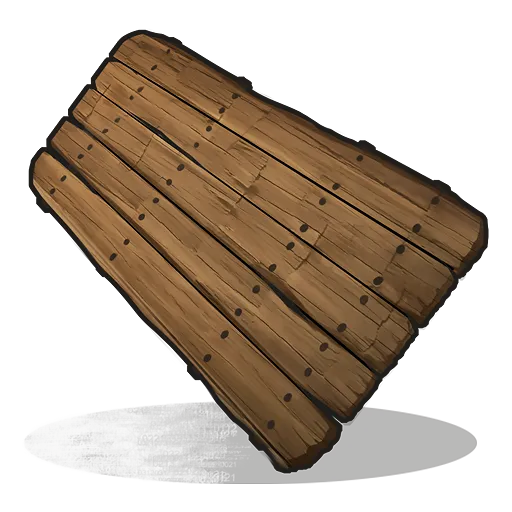
Paint signs with /sil <url> (PNG, JPG, GIF). Prepare and resize images at rustresizer.com — open it to see how SIL works.
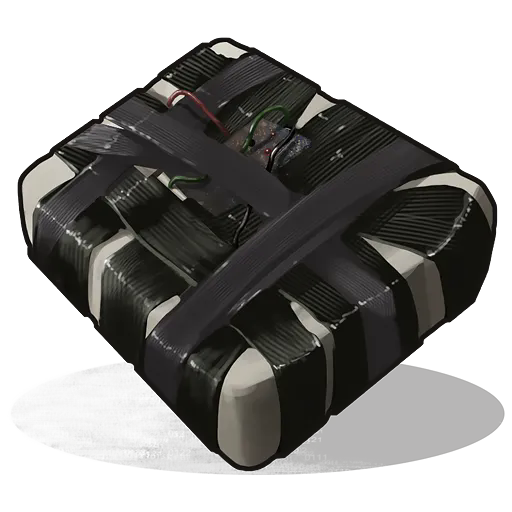
When someone raids your base, you get an alert in-game and on Discord (if linked via /link) — whether you are online or offline. For VIP players a Rust+ notification on the phone is the main channel (when offline, and also while playing if Discord is not linked); Discord is then only the backup. Set it up in game with /raids. Mute with /alerts off, unmute with /alerts on.
 On the web app
